
A behind-the-scenes look at how I took a brand new Webflow site from zero search visibility to first-page Google results - through site structure, on-page SEO, and performance optimisation alone.
April 12, 2026
.webp)
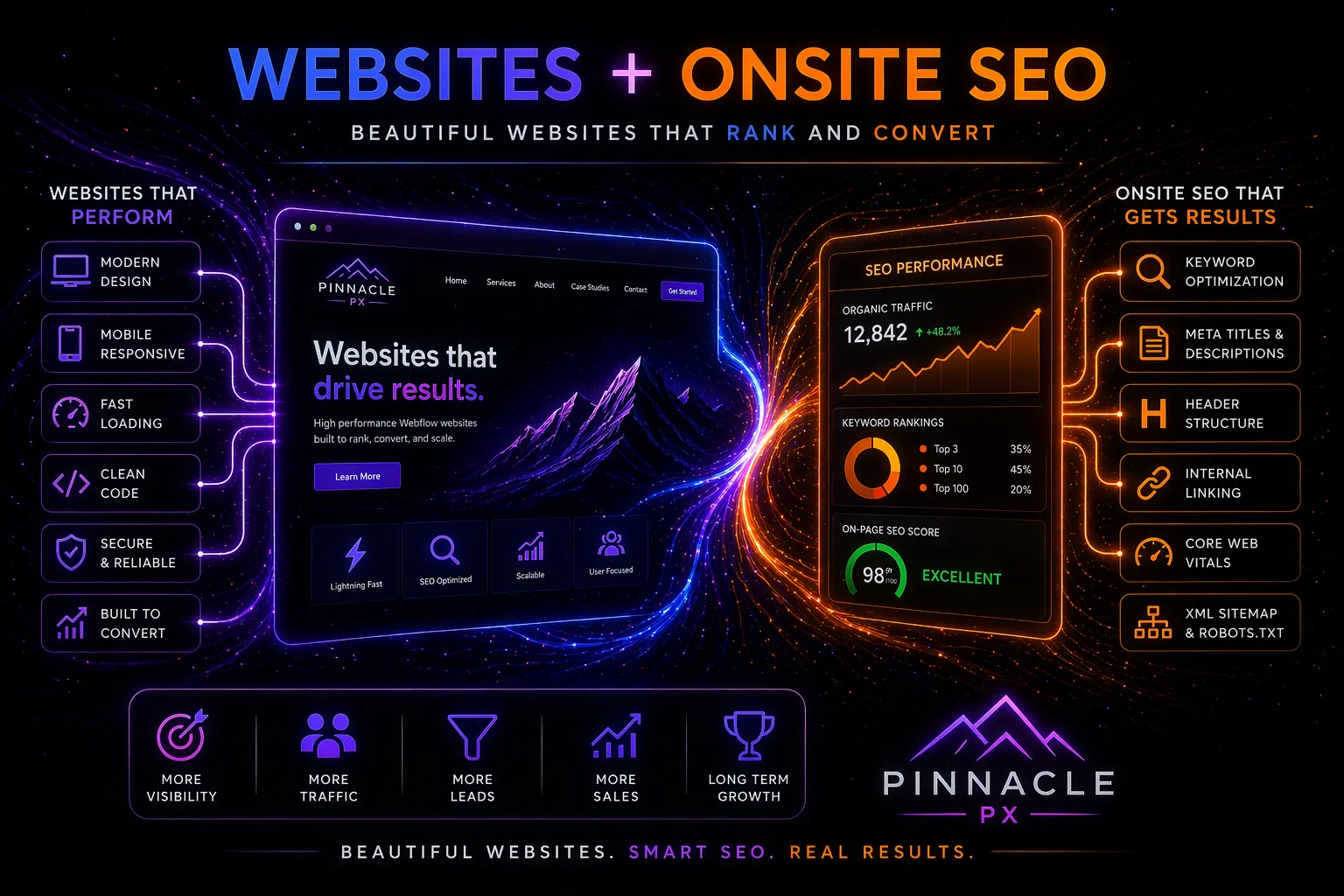
I've built and shipped over 20 Webflow sites across different industries - fitness brands, travel platforms, ecommerce, content-driven businesses. And regardless of the brief, the budget, or the brand, my SEO process is the same every single time.
Not because I'm lazy. Because it works.
SEO isn't something I bolt on at the end of a project. It's baked into every build from the moment I open the Webflow Designer. I've seen too many beautiful sites sitting on page six of Google because nobody thought about search visibility until after launch. By that point, you're playing catch-up on decisions that should've been made at the architecture stage.
This is the checklist I follow on every project. None of it is revolutionary. All of it is non-negotiable.
Start with site architecture, not keywords
Before I touch a single page, I map out the full site structure. What pages exist, how they relate to each other, and what the URL hierarchy looks like. Google's crawlers need to understand the relationship between your pages, and they're not going to work it out if your navigation is a mess and your internal linking is an afterthought.
Every site I build follows a flat structure. Key pages are no more than two clicks from the homepage. There are no orphan pages every page has at least one internal link pointing to it. And the URL slugs are clean and descriptive: no auto-generated strings, no filler words, just the core topic of each page reflected in the path.
On one build URUNN, a lifestyle brand that launched with zero digital presence this approach was a major factor in getting the site onto the first page of Google faster than the typical 6-to-12-month timeline most SEO professionals cite for new domains. The site structure made it easy for Google to crawl, understand, and index everything quickly.
One H1. Always one H1.
This is the rule I see broken most often, even by experienced Webflow developers. Multiple H1 tags on a page. H3s used before H2s because the font size looked right. Heading levels chosen for aesthetics rather than semantics.
On every page I build, there's exactly one H1 that describes the primary topic. H2s break the page into logical sections. H3s sit inside those sections where needed. The hierarchy is strict and intentional.
It sounds basic, but it's one of the most impactful things you can do for crawlability. Search engines use heading hierarchy to understand what your content is about and how it's organised. When your headings are semantically correct, you're giving Google a clear map of the page. When they're not, you're making it guess — and Google doesn't always guess well.
I check heading hierarchy on every page before a site goes live. No exceptions.
Custom meta titles and descriptions for every page
I never leave a meta title or description at its default. Every page gets a custom meta title under 60 characters with the primary keyword front-loaded. Every page gets a custom meta description under 160 characters with a clear reason to click. Every page gets Open Graph tags configured so it looks professional when shared on social media.
This is one of those tasks that takes maybe five minutes per page but has an outsized impact on click-through rates from search results. When someone sees your page in Google, the meta title and description are your pitch. If they're generic or auto-generated, you're wasting the impression.
Webflow gives you per-page control over all of this natively, which is a genuine advantage over platforms where you need plugins just to access basic SEO fields.
Performance is not optional
Google has made it explicitly clear that Core Web Vitals are a ranking signal. The three metrics I optimise for on every build: Largest Contentful Paint under 2.5 seconds, Interaction to Next Paint under 200 milliseconds, and Cumulative Layout Shift under 0.1.
Here's my standard performance routine:
Every image is compressed and converted to WebP before uploading. I don't rely on Webflow to handle this I compress manually using tools like TinyPNG or Squoosh to get file sizes as small as possible before they ever touch the CMS. Then I enable lazy loading for anything below the fold.
I turn on CSS and JavaScript minification in project settings. I self-host fonts instead of using Google Fonts through Webflow's default integration, which loads an extra JavaScript file that slows things down. I set font-display: swap to prevent invisible text during loading.
On every build, I'm aiming for a PageSpeed Insights score above 90 on both mobile and desktop. I've hit this consistently across projects — including performance-sensitive builds like Mvmnt, where custom animations had to coexist with fast load times without compromise.
The data backs this up. Google's own research shows that every one-second delay in mobile load time can reduce conversions by up to 20%. Fast sites rank better, bounce less, and convert more. There's no argument for skipping performance work.
CMS structure that supports SEO
The way you set up your Webflow CMS has a direct impact on search visibility. On every project, I build collections with dedicated fields for meta titles, meta descriptions, and Open Graph images — not just the visible content. This means every CMS item is individually optimisable, rather than relying on auto-generated defaults.
I keep field names clean and descriptive. I set up reference fields that create logical relationships between content types. And I build proper internal linking into the CMS structure: blog posts link to relevant service pages, service pages link back to supporting content. This creates a web of connections that helps Google understand the topical relationships across the site.
On multi-brand builds like the WithU portfolio — where I manage CMS content across WithU, TrvlWell, URUNN, and Mvmnt this structure is even more critical. Each brand's content needs to be optimisable independently while still contributing to the overall site's authority.
Submit the sitemap on day one
This sounds obvious. I'm including it because I've inherited enough projects to know that people genuinely forget to do it.
The moment a site goes live, I submit the auto-generated XML sitemap to Google Search Console. Then I monitor indexing status over the following weeks to catch any pages that aren't being picked up. If something isn't indexing, I want to know about it immediately not three months later when the client asks why their new blog posts aren't appearing in search.
Webflow generates sitemaps automatically and handles SSL natively, which removes two common friction points. But you still have to actively submit and monitor. The sitemap doesn't help if Google doesn't know it exists.
Schema markup for richer search results
On every build, I add structured data through Webflow's custom code editor. At minimum, I add Organisation schema to the homepage and Article schema to blog posts. Depending on the project, I'll add FAQ schema, Product schema, or LocalBusiness schema.
Schema markup gives Google richer context about your business and your content. It can improve how your pages appear in search results with star ratings, FAQs, breadcrumbs, and other rich snippets that increase click-through rates. Research suggests schema can boost CTR by up to 30% for pages that qualify for rich results.
I use Google's Structured Data Testing Tool to validate the markup before launch. Invalid schema is worse than no schema it can confuse Google rather than help it.
Post-launch audit: the step most people skip
Launching a site isn't the end of SEO work. It's the beginning of the most important quality check.
Within the first week after launch, I run a full architecture audit. I check for orphan pages - pages with no internal links pointing to them. I verify that the heading hierarchy is correct on every page. I test all canonical URLs. I confirm that no pages are accidentally set to noindex. I check that the 301 redirects are working if this is a migration from another platform.
I also run through every page on mobile to check for layout shifts, tap target issues, and content that renders differently than expected. Mobile-first indexing means Google primarily uses the mobile version of your site for ranking, so if something's broken on mobile, it's broken for SEO.
The compound effect
None of these individual steps is groundbreaking. Clean URLs. Proper headings. Compressed images. Meta descriptions. Schema markup. Sitemap submission. Post-launch auditing.
But here's the thing, most developers skip at least half of them. They get the heading hierarchy wrong. They forget to submit the sitemap. They launch without checking meta descriptions. They skip performance optimisation because "the site looks fine."
The sites that rank well aren't doing anything magical. They're doing all the basics, on every page, without cutting corners. And that consistency compounds over time. A site that launches with strong fundamentals builds authority faster, indexes more efficiently, and converts more traffic than one where SEO was treated as someone else's problem.
This checklist takes me a couple of extra hours on each project. The results it delivers are worth months of work trying to fix things after the fact.
Every Webflow project. Every time. No exceptions.